
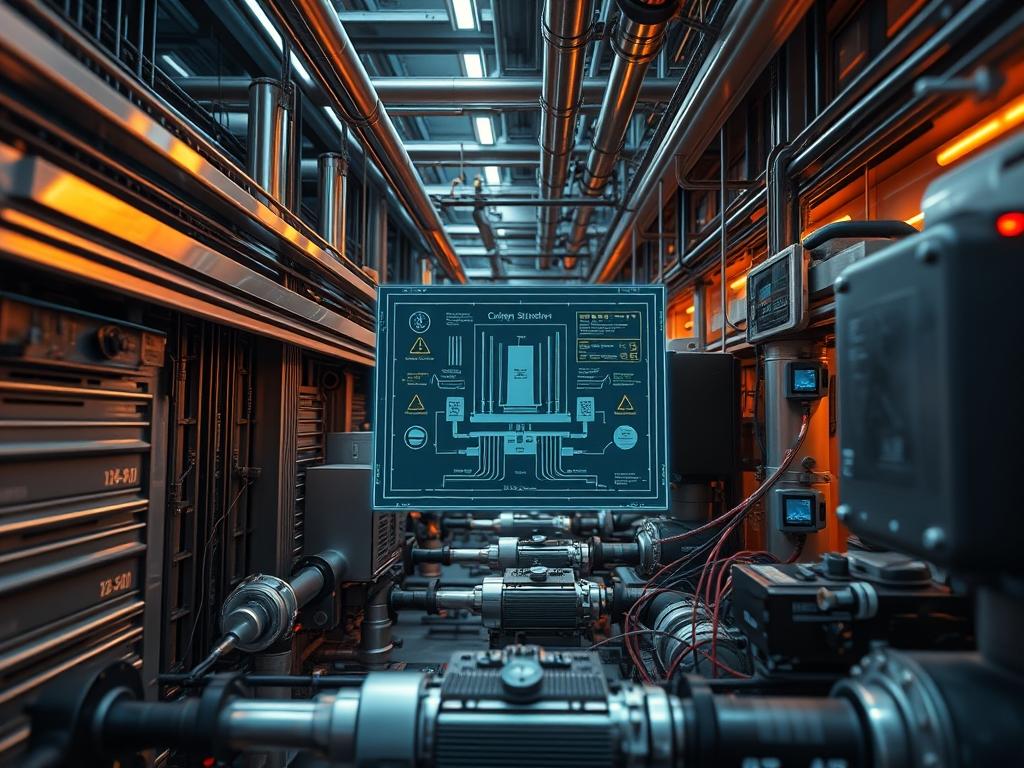
Standardization of RO System Operating Logs represents a critical intersection between industrial hydraulic engineering and high-availability data architecture. In large-scale water treatment or power plant cooling circuits, the reverse osmosis unit functions as a high-pressure filtration stage where efficiency is measured by specific energy consumption and salt rejection rates. The logs produced by these systems provide the raw telemetry required for predictive maintenance, membrane longevity analysis, and regulatory compliance. Historically, these logs were captured in disparate formats, leading to data silos and high latency in operational response. By implementing a standardized framework, we treat the RO System Operating Logs as an immutable data stream. This allows engineers to track the normalization of permeate flow and salt passage over time; this process converts raw sensor data into a standardized baseline regardless of variations in feed water temperature or salinity. This manual establishes the protocols for capturing, encapsulating, and auditing these mission-critical datasets.
TECHNICAL SPECIFICATIONS
| Requirement | Default Port/Operating Range | Protocol/Standard | Impact Level (1-10) | Recommended Resources |
| :— | :— | :— | :— | :— |
| Sensor Data Polling | Port 502 (Modbus-TCP) | IEC 61131-3 | 9 | 1.0 GHz CPU / 512MB RAM |
| Log Encapsulation | N/A | JSON-L / ISO 8601 | 7 | 100GB NVMe Storage |
| Telemetry Latency | < 500ms | MQTT / Sparkplug B | 6 | 10Mbps Bandwidth |
| Feed Pressure | 100 - 1200 PSI | ASME B40.100 | 10 | 316L Stainless Steel |
| SCADA Integration | Port 443 | HTTPS/TLS 1.3 | 8 | Dual-core / 4GB RAM |
THE CONFIGURATION PROTOCOL
Environment Prerequisites:
System architects must ensure all hardware sensors meet ANSI/ISA-75.01.01 standards for flow calculation accuracy. The logging environment requires a Linux-based gateway (Ubuntu 22.04 LTS or RHEL 9) with python3-pip, modbus-tools, and chrony for microsecond-level clock synchronization. User permissions must be restricted: the logging service should run under a non-privileged ro_logger account with read-only access to the ttyUSB or eth0 interfaces.
Section A: Implementation Logic:
The logic behind standardizing RO System Operating Logs rests on the principle of data normalization. Raw data from an RO unit is deceptive; for instance, a drop in permeate flow might indicate membrane fouling or simply a decrease in feed water temperature. By employing mathematical normalization within the logging script, we calculate the Temperature Corrected Flow (TCF). This ensures that the RO System Operating Logs provide an idempotent view of system health. Every log entry serves as a discrete payload that encapsulates pressure, flow, conductivity, and temperature, allowing for historical comparisons that are not skewed by environmental variables. This design minimizes the overhead of manual data translation and reduces the latency between a physical fault and a system alert.
Step-By-Step Execution
1. Provision the Sensor Polling Interface
Enable communication between the industrial PLC and the logging gateway by configuring the Modbus-TCP stack on the local network interface.
sudo ip addr add 192.168.1.50/24 dev eth0
sudo systemctl start modbus-adapter.service
System Note: This command initializes the physical network layer for data ingestion. The systemctl action hooks the polling daemon into the kernel scheduler, ensuring high concurrency when querying multiple sensor registers across the RO rack.
2. Configure the Logging Directory and Permissions
Establish a secure, persistent storage location for the RO System Operating Logs with appropriate restrictive access controls.
mkdir -p /var/log/ro_system/normalized
chmod 750 /var/log/ro_system/
chown ro_logger:admin /var/log/ro_system/
System Note: Using chmod 750 ensures that only the service owner and the administrator group can view the telemetry data. This prevents unauthorized modification of the logs, which is vital for maintaining an audit trail during forensic equipment failure analysis.
3. Initialize the Normalization Script
Deploy the Python-based normalization engine to process raw 4-20mA signals into standardized digital outputs.
python3 /opt/ro_tools/normalize_engine.py –config /etc/ro_monitor/sensors.yaml –daemon
System Note: The engine uses the sensors.yaml file to map Modbus register addresses to human-readable variables. This script calculates the salt rejection percentage in real-time, reducing the computational overhead on the primary SCADA system by offloading mathematical functions to the edge gateway.
4. Set Up Log Rotation and Compression
To prevent storage exhaustion due to high-frequency logging, implement an automated rotation policy.
cat <
/var/log/ro_system/*.log {
daily
rotate 30
compress
delaycompress
missingok
}
EOF
System Note: Logrotate ensures that the filesystem remains stable. High-frequency RO System Operating Logs can generate several gigabytes of data weekly; compression is necessary to manage the throughput of the backup sub-system without impacting disk I/O performance.
5. Verify Signal Integrity with Fluke-Multimeter
Before finalizing the digital log, verify the analog-to-digital (ADC) conversion accuracy by measuring the voltage drop across the pressure transducer terminals using a fluke-multimeter.
System Note: Physical verification prevents “garbage-in-garbage-out” scenarios. If the signal-attenuation on the 4-20mA loop is too high, the logs will record phantom pressure drops, triggering false alarms in the automated logic controllers.
Section B: Dependency Fault-Lines:
Standardizing RO System Operating Logs often fails at the library level. Conflicts between python-pymodbus versions and the underlying OpenSSL architecture can cause intermittent connection drops. Furthermore, physical bottlenecks such as thermal-inertia in the feed water sensors can lead to temporal misalignment in the logs; the temperature sensor might lag behind the flow sensor, resulting in incorrect TCF calculations. Network-level packet-loss on the RS-485 to Ethernet bridge is another common failure point; ensure that shielded twisted-pair cabling is used to mitigate electromagnetic interference that causes data corruption in the log payload.
THE TROUBLESHOOTING MATRIX
Section C: Logs & Debugging:
When the system encounters an error, the first point of inspection is /var/log/ro_system/error.log. Common strings and their resolutions include:
1. ERR_MODBUS_TIMEOUT: This indicates a communication failure between the gateway and the PLC. Verify the hardware connection and check for packet-loss on the local segment.
2. VAL_OUT_OF_RANGE: A sensor is providing a value outside the defined 4-20mA scale. This usually points to a hardware failure in the transducer or significant signal-attenuation.
3. LOG_ENCAPSULATION_FAILURE: The normalization engine cannot parse the incoming data packet. Check the sensors.yaml configuration for syntax errors or incorrect register offsets.
4. DISK_QUOTA_REACHED: The log rotation failed to execute. Manually clear old logs in /var/log/ro_system/ and verify the chmod permissions on the logrotate configuration.
Visual cues on the RO skid, such as a flickering “Link” light on the Modbus gateway, typically correlate with the ERR_MODBUS_TIMEOUT string in the logs. If the permeate flow log shows a sudden drop while the feed pressure remains constant, inspect the membrane housings for physical scaling.
OPTIMIZATION & HARDENING
Performance Tuning:
To maximize the throughput of the logging service, adjust the polling interval based on the rate of change of the process variables. While pressure should be logged every 1 second, feed water conductivity might only require a 10-second interval. This reduces CPU overhead. Implementing asynchronous I/O for log writing allows the system to handle higher concurrency when multiple RO trains are being monitored by a single gateway.
Security Hardening:
The logging gateway must be isolated from the public internet via a strict firewall. Use iptables or nftables to only allow incoming traffic on Port 502 from the specific IP address of the PLC. All RO System Operating Logs sent to a centralized cloud bucket should be encrypted at rest using AES-256. Ensure that the chmod settings on the private keys are set to 400 to prevent unauthorized access.
Scaling Logic:
As the facility grows from a single RO train to a multi-rack configuration, use an idempotent configuration management tool like Ansible to deploy the logging environment. This ensures consistency across all nodes. Utilize a distributed message broker like Kafka to handle the increased log payload, ensuring that high latency on one node does not stall the data collection for the entire plant.
THE ADMIN DESK
How do I recalibrate the log timing?
Synchronize the gateway clock using chronyc -a makestep. This forces an immediate clock adjustment, ensuring that the RO System Operating Logs align perfectly with the SCADA timestamp, preventing data skew during multi-system analysis.
What causes gaps in the log files?
Gaps are usually caused by packet-loss or the normalization engine crashing due to a malformed payload. Check /var/log/syslog for OOM (Out of Memory) kills or hardware interrupts on the eth0 interface.
Can I export logs to a CSV format?
Yes. Use the provided utility ro_export –format csv –input /var/log/ro_system/normalized/today.log. This tool flattens the JSON-L encapsulation into a standard table format suitable for analysis in external spreadsheet software.
How do I reduce the log file size?
Increase the compression level in the logrotate configuration by adding the compresscmd /usr/bin/xz directive. This significantly reduces the storage overhead for historical RO System Operating Logs without losing data resolution.
Why is the TCF value inconsistent?
Inconsistency suggests that thermal-inertia is affecting the temperature probe. Ensure the probe is mounted in a high-velocity flow zone to minimize the response time, providing the normalization engine with real-time data for the calculation.