
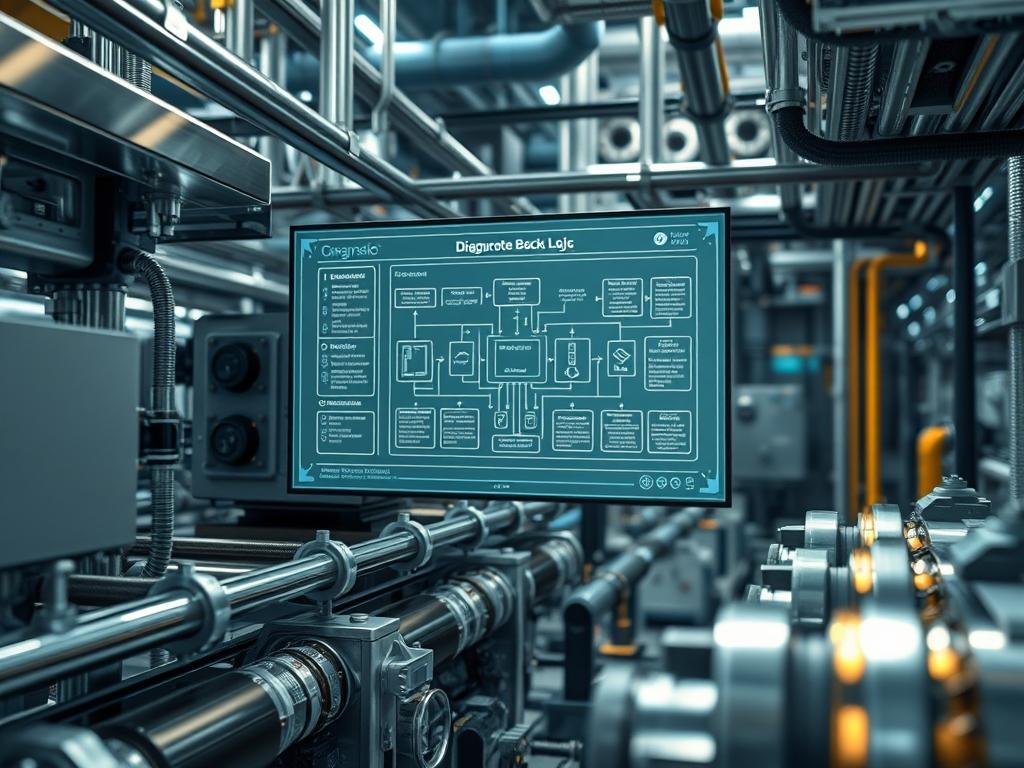
Membrane Backwash Logic represents the algorithmic core of automated fluid purification and filtration systems; it is the scheduled or event-driven reversal of hydraulic flow to restore membrane permeability. In the context of industrial water management and edge-integrated cloud infrastructure, this logic serves as a critical maintenance protocol that prevents irreversible fouling. The primary problem addressed by this logic is the accumulation of particulate matter on the feed side of the membrane, which increases transmembrane pressure (TMP) and decreases throughput. By implementing a robust automation cycle, operators transition from reactive manual cleaning to proactive, sensor-driven remediation. This Technical Manual details the integration of physical sensors, programmable logic controllers (PLCs), and cloud-based telemetry to ensure the idempotent execution of cleaning cycles. Modern implementations leverage low-latency data streams to trigger cycles at the precise moment of efficiency decay; this optimizes energy consumption and extends the physical lifespan of the membrane assets.
TECHNICAL SPECIFICATIONS
| Requirement | Default Port/Operating Range | Protocol/Standard | Impact Level (1-10) | Recommended Resources |
| :— | :— | :— | :— | :— |
| Pressure Transducers | 4-20 mA / 0-100 PSI | HART / Analog | 9 | Material: 316L Stainless |
| Logic Controller | Port 502 (Modbus) | Modbus/TCP | 8 | CPU: 1GHz / RAM: 512MB |
| Edge Gateway | Port 8883 (MQTT) | TLS 1.3 / MQTT | 7 | Linux-based OS (Debian) |
| Backwash Pump | 0-480V / 60Hz | IEEE 519 | 10 | Thermal-inertia Protection |
| Flow Meters | 0-500 GPM | Pulse / Modbus | 6 | Minimum 10D Upstream |
THE CONFIGURATION PROTOCOL
Environment Prerequisites:
Successful deployment of Membrane Backwash Logic requires a coordinated environment spanning physical hardware and logical interfaces. The underlying operating system for the edge gateway should be Linux/Debian version 11 or higher, with root or sudo permissions for service management. Network infrastructure must comply with IEEE 802.3 standards to minimize signal-attenuation and prevent packet-loss between the PLC and the supervisory control layer. From a mechanical standpoint, the system requires a high-pressure backwash pump capable of delivering 1.5 times the standard permeate flux. All software dependencies, such as Python 3.9+, paho-mqtt, and pymodbus, must be pre-installed to facilitate communication between the physical assets and the logic engine.
Section A: Implementation Logic:
The theoretical foundation of Membrane Backwash Logic is grounded in the Transmembrane Pressure (TMP) differential. As the membrane operates, solutes create a boundary layer that restricts flow. The logic engine calculates TMP using the formula: TMP = (Feed Pressure + Concentrate Pressure) / 2 – Permeate Pressure. The “Why” behind this automated design is the prevention of cake layer compaction. If backwashing occurs too late, the high pressure compresses the foulants into the membrane pores, leading to permanent flux decline. By utilizing idempotent command structures, the system ensures that a backwash sequence is not interrupted or double-started, which could lead to hydraulic shock. The logic employs encapsulation of the sensor data into payload packets, which are then analyzed for trends rather than single-point spikes to avoid premature triggering caused by air bubbles or sensor noise.
Step-By-Step Execution
Step 1: Initialize Sensor Calibration and Zeroing
Configure the pressure transducers to baseline levels during a static flow state. Use the fluke-multimeter to verify that the 4-20 mA signal accurately reflects the atmospheric pressure at the /dev/ttyUSB0 or analog input pins.
System Note: This step ensures that the kernel-level driver for the analog-to-digital converter (ADC) is correctly mapping voltage to digital integer values, preventing logic errors in the TMP calculation.
Step 2: Establish Modbus Register Mapping
Define the register addresses for the inlet, outlet, and backwash valves within the PLC memory map. Modify the modbus_config.json file to include the specific addresses for Holding_Registers associated with the pump VFD (Variable Frequency Drive).
System Note: Mapping these registers allows the high-level logic to manipulate the physical state of the hardware via standard TCP/IP packets; this bypasses the need for proprietary serial interfaces.
Step 3: Configure the Trigger Thresholds
Edit the main control script at /opt/backwash/logic_engine.py to set the MAX_TMP_THRESHOLD and MIN_FLUX_RATE. For most ultrafiltration membranes, a threshold of 15-20 PSI is standard.
System Note: These variables act as the logic gate for the entire process. Setting these too low causes excessive cycling, while setting them too high increases membrane stress and energy overhead.
Step 4: Define the Backwash Sequence State Machine
Implement the state machine logic: Close Feed Valve -> Open Backwash Valve -> Transition Pump to High Output -> Dwell for 60 Seconds -> Close Backwash Valve -> Open Feed Valve. Use systemctl restart backwash_service to load the new state machine.
System Note: The state machine ensures the process follows a strict linear progression. If a valve fails to report a “Closed” status via the limit switch, the logic enters a fail-safe mode to prevent pump cavitation.
Step 5: Implement Telemetry and Payload Reporting
Configure the MQTT client to publish the TMP and flow data to the central dashboard. Set the keep-alive interval to 60 seconds to ensure the connection remains active despite high network latency between the field and the cloud.
System Note: Telemetry provides the “heartbeat” of the system. It allows for the monitoring of thermal-inertia in the pump motor and provides a historical record of backwash efficacy.
Section B: Dependency Fault-Lines:
Software and hardware conflicts often arise during the integration of legacy PLC systems with modern MQTT gateways. A common bottleneck is the concurrency limit of the Modbus/TCP server; if too many client processes attempt to poll the same register, latency increases, leading to delayed backwash triggers. Another fault-line exists in the mechanical timing of valve actuators. If the chmod 755 /usr/bin/valve_control permission is not set, or if the script execution encounters an IO block, the feed valve might remain open during the backwash cycle, resulting in cross-contamination. Physical bottlenecks include the clogging of the backwash supply line, which reduces the effective cleaning force and renders the logic ineffective despite successful command execution.
THE TROUBLESHOOTING MATRIX
Section C: Logs & Debugging:
When the system fails to initiate a backwash, the first point of inspection is the system log located at /var/log/backwash/error.log. Common error strings such as “MODBUS_TIMEOUT” indicate a physical disconnection or a collision on the network layer. If the sensors provide erratic readings, check for signal-attenuation in the shielded cabling; this is often indicated by a “SIG_LOW” or “SIG_FLOAT” flag in the sensor output. To debug a specific valve actuator, use the command tail -f /var/log/syslog | grep “actuator” while manually toggling the digital output. Visual cues from the pressure gauges should always match the digital readout in the SCADA software; a discrepancy here suggests a scaling error in the PLC conversion blocks. For deep-packet inspection of the control signals, utilize tcpdump -i eth0 port 502 to verify that the Modbus payloads are being delivered without corruption.
OPTIMIZATION & HARDENING
To enhance performance, the logic should be tuned for concurrency. By using asynchronous IO in the control script, the system can monitor multiple membrane banks simultaneously without increasing the CPU overhead. Throughput is optimized by implementing a “Sliding Scale” backwash duration where the duration is calculated based on the rate of TMP increase: faster clogging leads to longer cleaning cycles.
Security hardening is paramount in industrial environments. All local control ports should be protected by a firewall; use ufw allow 502/tcp only from known management IP addresses. The edge gateway must have its SSH access restricted to key-based authentication only, and the MQTT payload should be encrypted using TLS 1.3 to prevent man-in-the-middle attacks on the control logic.
Scaling the logic for larger plants involves the use of containerization. Deploy the backwash logic as a Docker container to ensure that the environment remains consistent across multiple edge nodes. This allows for rapid deployment of updates via a CI/CD pipeline, ensuring that every membrane bank in the network is running the same optimized version of the Membrane Backwash Logic.
THE ADMIN DESK
How do I adjust the backwash frequency manually?
Navigate to /etc/backwash/params.conf and modify the TIMER_INTERVAL variable. After saving the file, execute systemctl reload backwash_logic to apply the changes without interrupting the current monitoring state or stopping the sensors.
What causes the “Hydraulic Shock” error during startup?
This occurs when the backwash pump ramps up its throughput too quickly. Adjust the VFD_ACCEL_TIME within the PLC registers to at least 10 seconds to allow for a gradual increase in pressure and prevent physical membrane fatigue.
Why is the TMP reading negative on my dashboard?
A negative TMP usually indicates either a reversed wiring of the pressure transducers or a significant signal-attenuation on the permeate sensor line. Verify the polarity of the 4-20 mA loop and check the scaling math in the logic engine.
Can I bypass the logic during a chemical clean?
Yes. Use the command backwash-ctl –mode manual –state maintenance to suspend the automated logic. This ensures that the system does not attempt a backwash while the membranes are soaked in high-concentration cleaning agents or acids.
Is there a way to reduce packet-loss on long cable runs?
Ensure all analog signals are converted to digital as close to the source as possible using a remote IO block. If using Ethernet, install shielded Cat6a cabling and maintain a distance of at least 12 inches from high-voltage power lines.